You can auto-scroll by pressing and holding the button or clicking once.
You can specify the scroll position by pressing and holding the X button.
Fast scroll when double clicked.
manual:
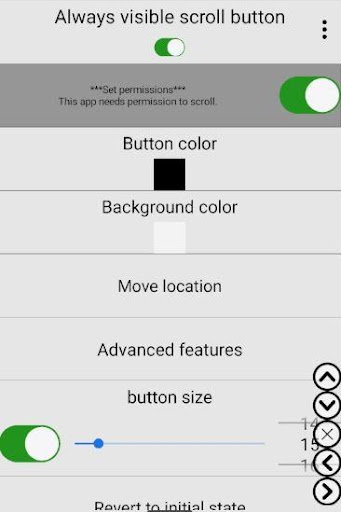
1) Click the Permissions button on the second line to enable the accessibility permission and then enable the display permission as well.
2) You can scroll the screen by clicking the buttons on the screen.
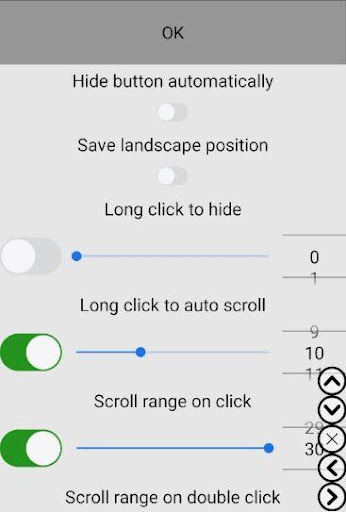
3) Click the Advanced Features button on the 6th line. Click the "Button Type" button in the first line, then click one button in the third line. Press and hold the button and quickly move up or down, then release to scroll. Release the button after a few seconds to scroll to the top or bottom of the screen. You can move the button by holding down the button and moving it.
4) Press and hold the button, the scroll position indicator will appear.
5) You can also adjust the button color or adjust the scroll range.
Accessibility API
Accessibility services are required when scrolling the screen. No user data is used or collected.
 pl
pl
 English
 Español
 Русский
 Deutsch
 Français
 العربية
 Italiano
 Türkçe
 Polski
 Português
 Indonesia
 日本語
日本語