About: Timeline Watch Face Free
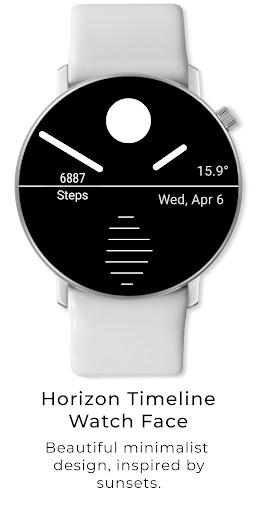
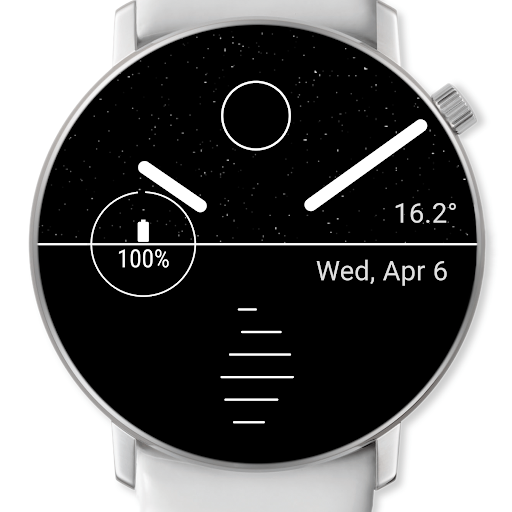
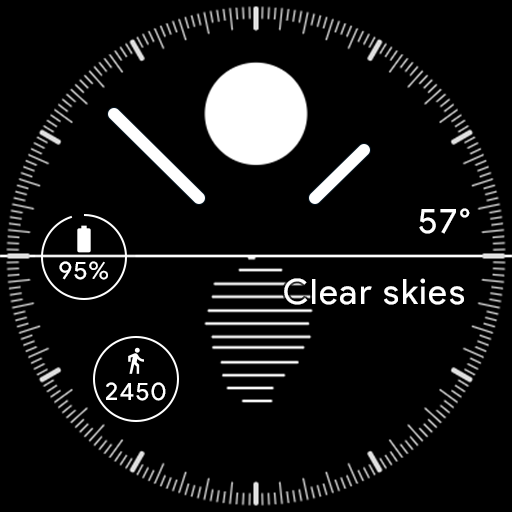
⚡️Timeline is the the most beautiful minimalist free smart watch face for WearOS.
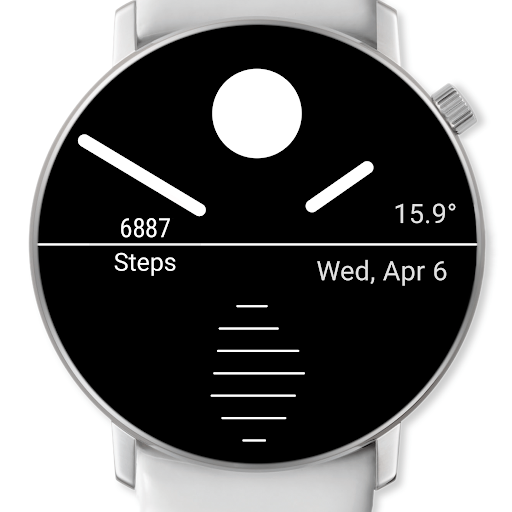
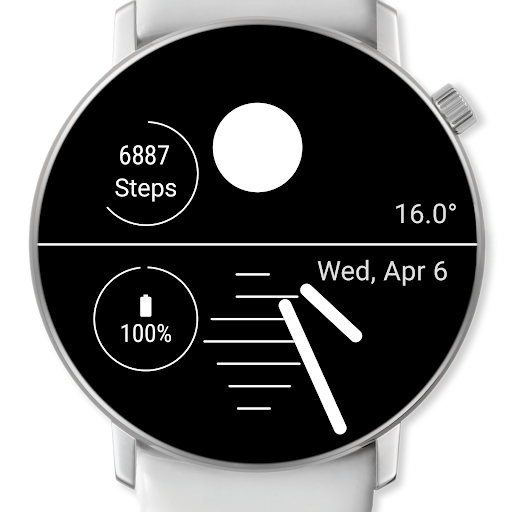
Timeline is a carefully designed minimalist watch face inspired by sunsets and sunrises for WearOS.
✨There is paid version of Timeline Watch Face that has couple more premium options:
• 2 Customizable complications
• Always-on screen option
• Digital 1️⃣:🔟 display method
• Indices 📏 for Analog display method
The base features are similar.✨
In case you'd like to support my work, try the special edition. Thank you!
- the Developer
📦 Features
⏳Timeline's Innovation - Advance in Time⌛️
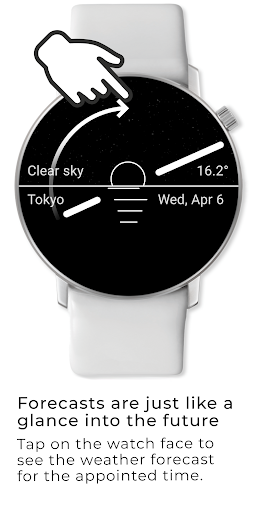
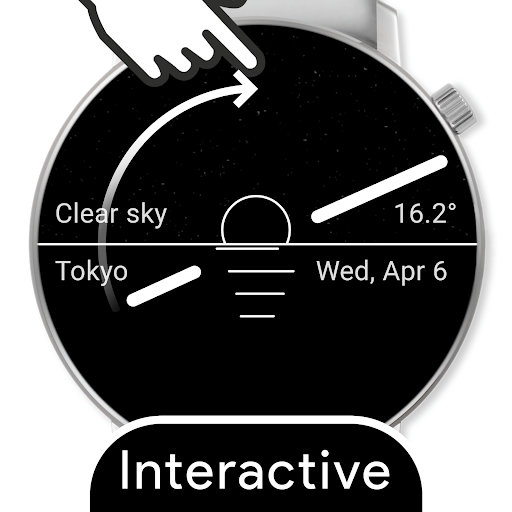
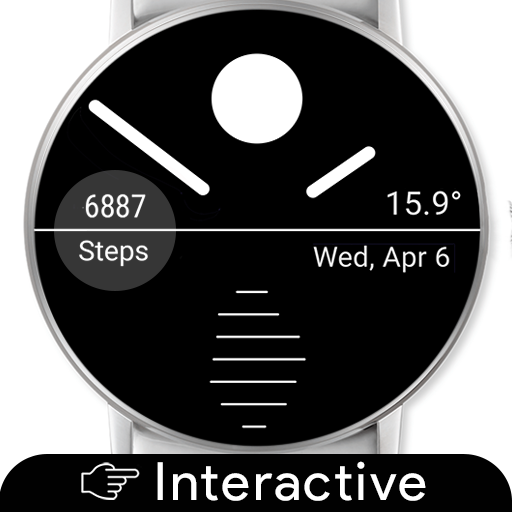
Tap on the watch face to see the temperature and weather forecast for the appointed time. Watch the smooth transition as the sun, stars, clouds and the background gradient animates as the hour hands moves to its pointed position on the dial.
As the transition happens to the chosen time the temperature and the weather labels are indicating precise information for any given moment.
Give it a try!
🔋Super efficient battery
👉 Native code, optimized to use as little energy as possible.
👉 Adaptive refresh rate only using resources when needed.
👉 Optimized refresh rate for battery saving
🏃♂️ 60 frame per second (FPS) for animated mode
🚶♂️ 5 frame per second (FPS) for normal mode
🌛 frame per minute for ambient mode
👉 Ambient mode is supported.
☀️ Realtime
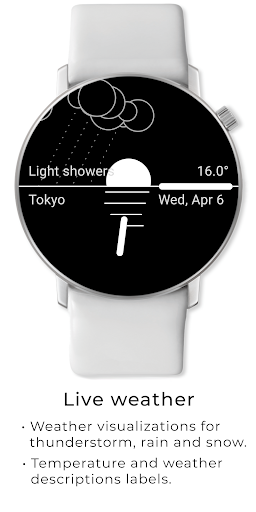
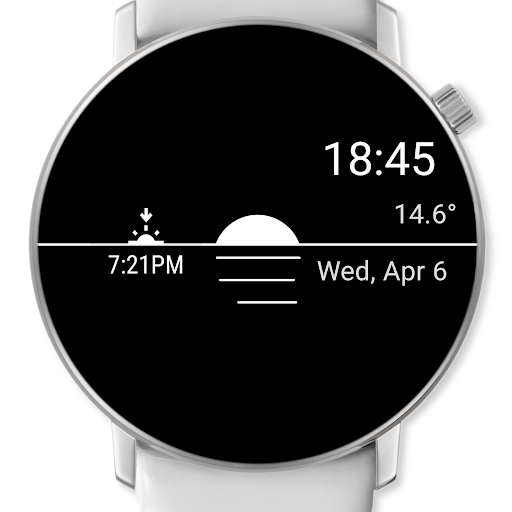
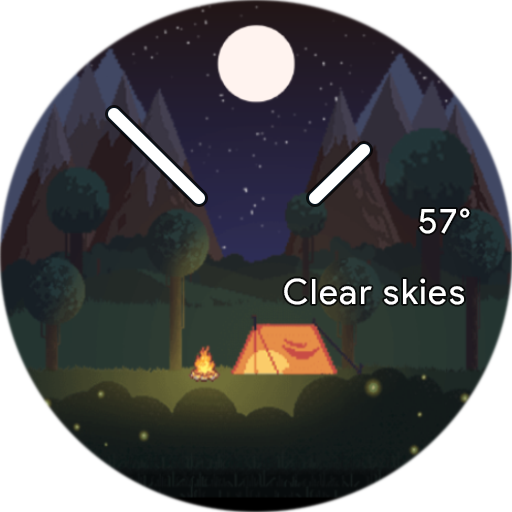
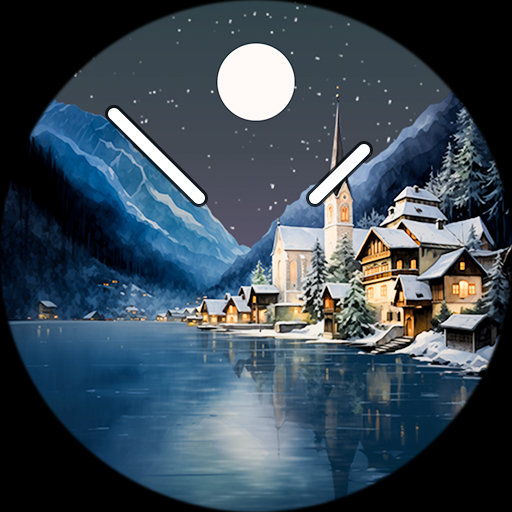
Sunsets and sunrises are displayed accurately based on location. You will know at a glance where the sun is on the sky. As the day passes the sun approaches the horizon and as the sun sets, the moon will take its place with the stars as the night gets darker.
Accurate sunset and sunrise display works with the Advance in Time feature as well. The sun's position above the horizon is displayed accurately.
🌧⛈🌨🌩
Animations for each of the following weather conditions:
👉 Thunderstorm
👉 Drizzle
👉 Very light - heavy rain
👉 Very light - heavy snow
👉 Snow & rain mixed
🔋Super efficient battery
👉 Native code, optimized to use as little energy as possible.
👉 Adaptive refresh rate only using resources when needed.
👉 Optimized refresh rate for battery saving
🏃♂️ 60 frame per second (FPS) for animated mode
🚶♂️ 5 frame per second (FPS) for normal mode
🌛 frame per minute for ambient mode
Installation
1. Go to Android Wear App - Watch faces - Select and set the watch face - Configuration
2. Set on watch and wait a few minutes to get the watch face fully worked.
Be sure to run the Watch Face configuration during first run of the app after installation!
Watch Face Configuration
• Go to Android Wear app
• Select watch face in the selection
• After installation, press on the setting icon on top of the watch face
Please note that, you must have a Wear OS (Android Wear) device and the Android Wear App(developed by Google) to get watch faces worked.
 it
it
 English
 Español
 Русский
 Deutsch
 Français
 العربية
 Italiano
 Türkçe
 Polski
 Português
 Indonesia
 日本語
日本語