About: Neon LX84 - Luxsank
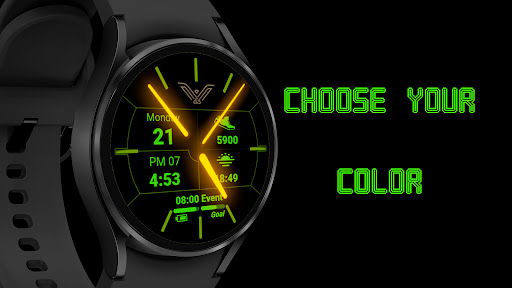
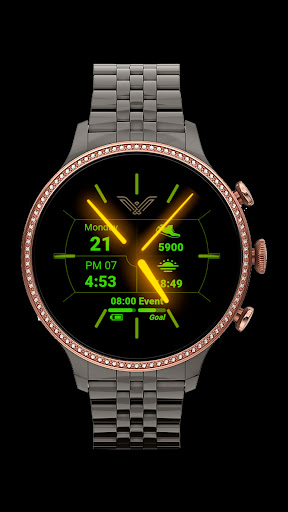
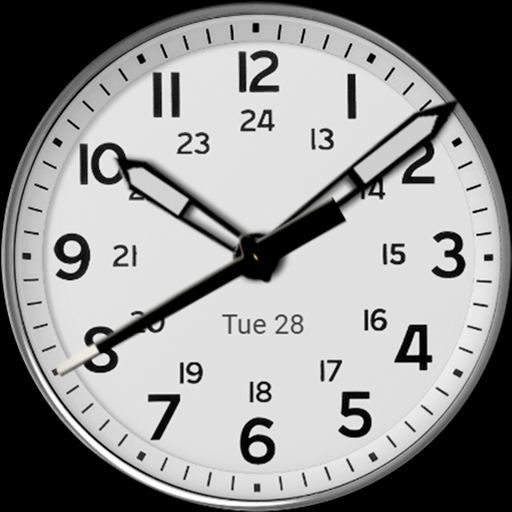
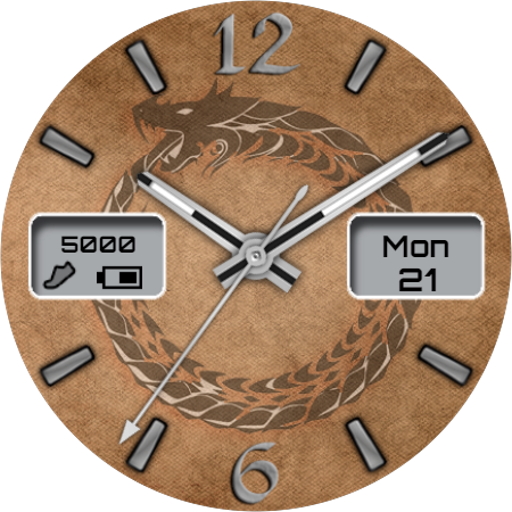
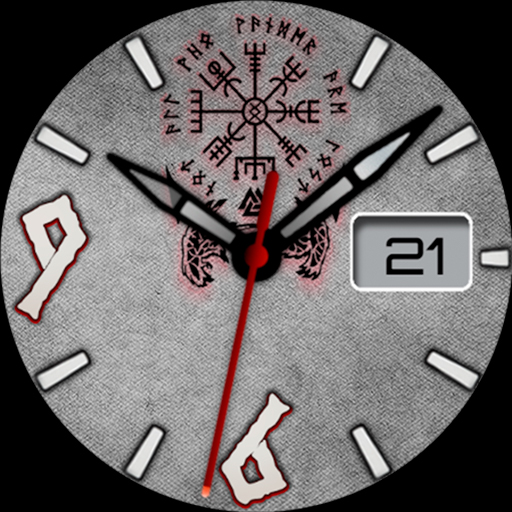
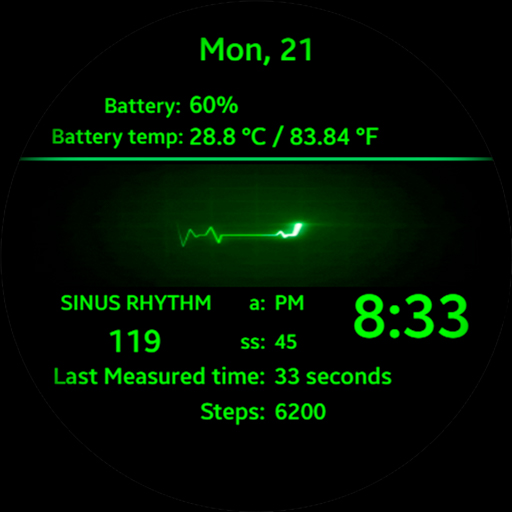
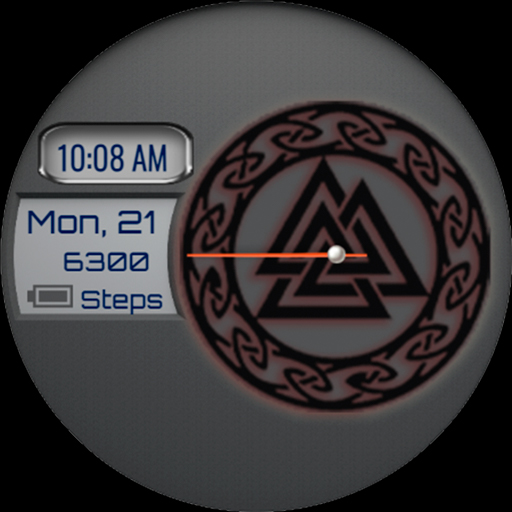
Choose your style! Analog clock hands with glow (shine) and neon, choose your favorite color!
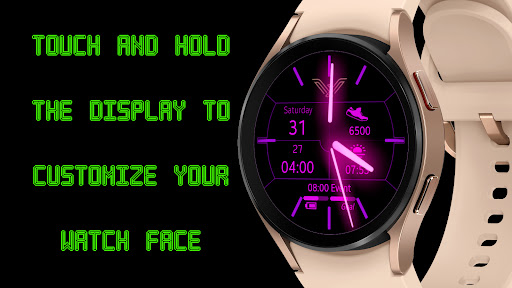
With option of changing pointer colors and color theme.
Description:
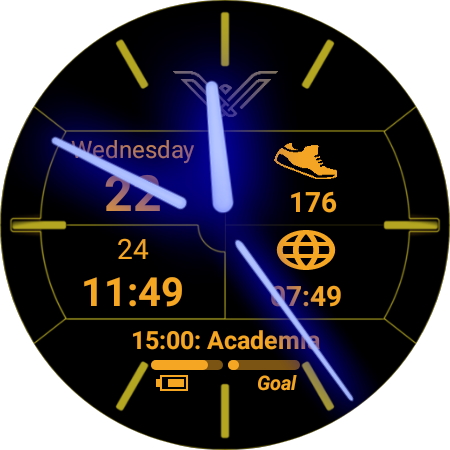
- Analog clock,
- Digital time format in 12h (with am/pm) or 24h,
- Day,
- Battery status bar,
- Step goal status bar,
- Step count,
- Display of the next calendar event,
- Screen always on display (AOD).
WEAR OS complications, suggestions to choose from:
- Alarm
- Calendar
- Barrometer
- Thermal sensation
- Percentage of battery
- Weather forecast
Among others... but it will depend on what your watch offers.
ATTENTION: Remember to enable the watch face to read information and sensors. For more details and permissions for the watch face to work correctly, on your watch go to SETTINGS / APPLICATIONS / PERMISSIONS / select the watch face / Allow sensors and complications to be read.
Designed for Wear OS
Luxsank LX84 for Tizen OS:
https://galaxy.store/LX84
◖LUXSANK THEMES◗
https://galaxy.store/LuxThemes
◖FACEBOOK◗
https://www.facebook.com/Luxsank.World
INSTALLATION NOTES:
1 - Make sure the watch is properly connected to the phone, open Companion App on phone and tap on "INSTALL APP ON WEAR DEVICE" and follow instructions on watch.
After a few minutes the watch face will transferred on watch : check the watch faces installed by the Wearable app on the phone.
Note: If you stuck at payment loop, DON'T WORRY, only one charge will be made even if you are asked to pay a second time. Wait 5 minutes or restart your watch and try again.
It could be a synchronization problem between your device and Google servers.
or
2 - If you are having synchronization problems between your phone and Play Store, install the app directly from watch: search "LX84" from Play Store on watch and hit on install button.
3 - Alternatively, try installing the watch face from web browser on your PC.
Please, any problems on this side are NOT caused by the developer.
This watch face supports all Wear OS devices with API Level 28+.
Write to
[email protected] if you need assistance.
 en
en
 English
 Español
 Русский
 Deutsch
 Français
 العربية
 Italiano
 Türkçe
 Polski
 Português
 Indonesia
 日本語
日本語